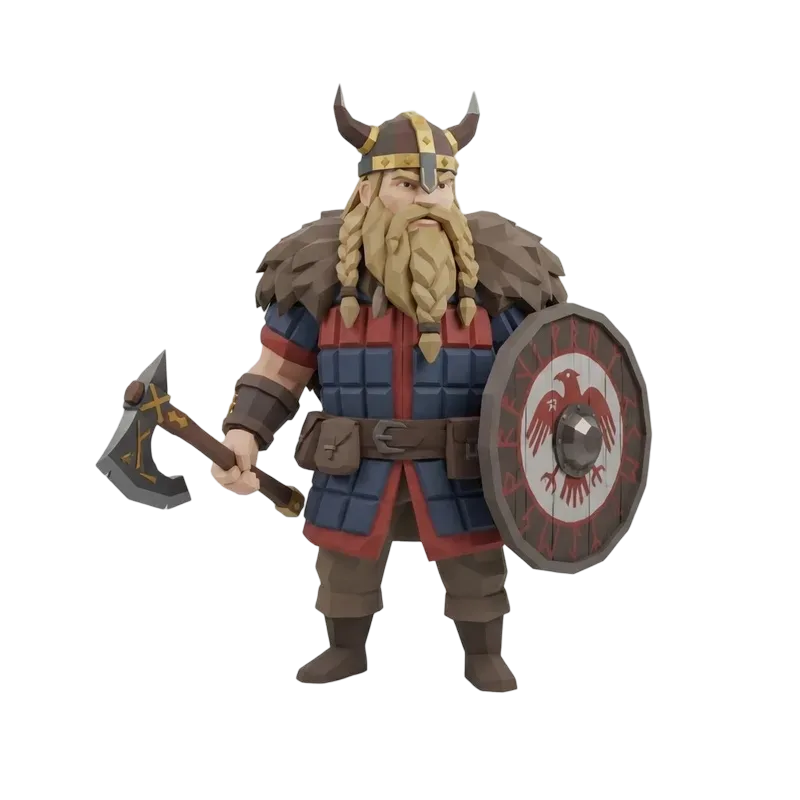
Red go-kart
4,896 trianglesA racing world's starting line
YOUR NEXT WORLD STARTS WITH ONE OBJECT
Turn words or reference art into 3D props, pets and world pieces. Make something that belongs in your game.
Review your settings before generating.
EXPLORE THE POSSIBILITIES
Eight different directions for your next game asset. Open any model, inspect the shape and make the idea your own.
A racing world's starting line
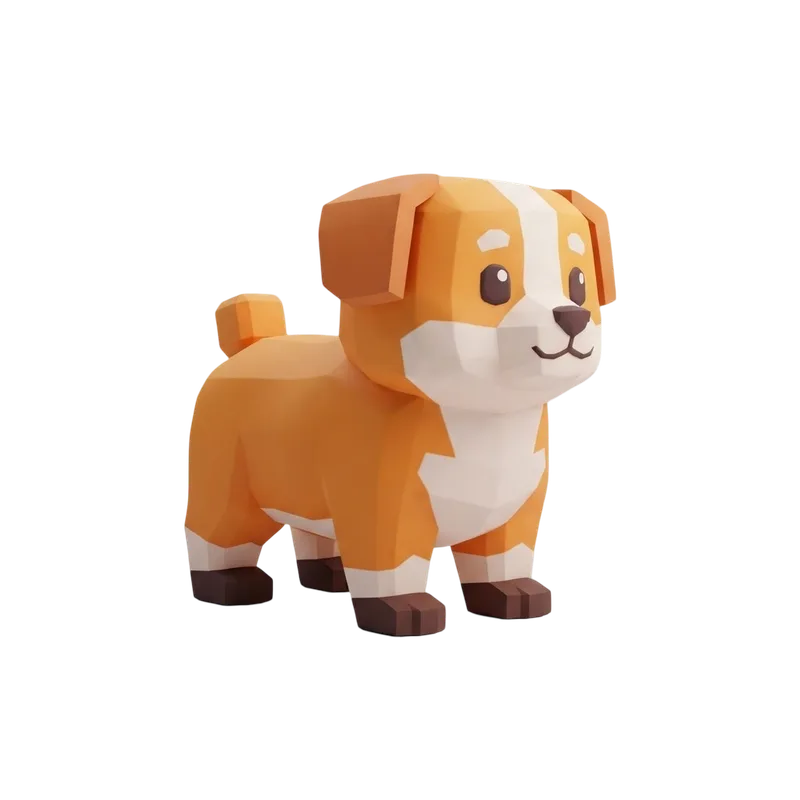
A companion with personality
A landmark players can spot
The start of a village
A bright woodland companion
A road trip for your world
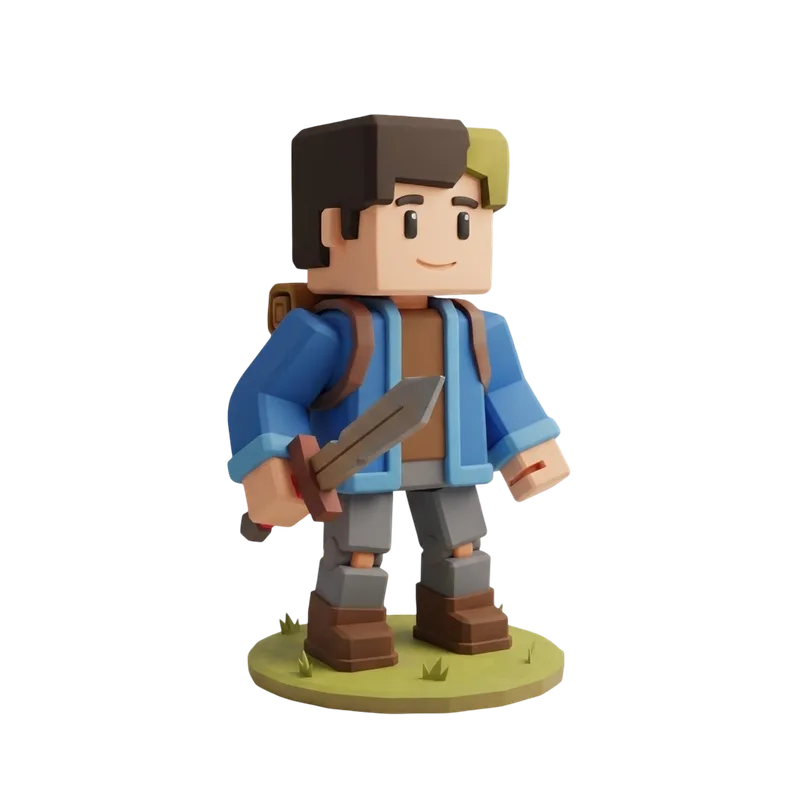
A character silhouette study
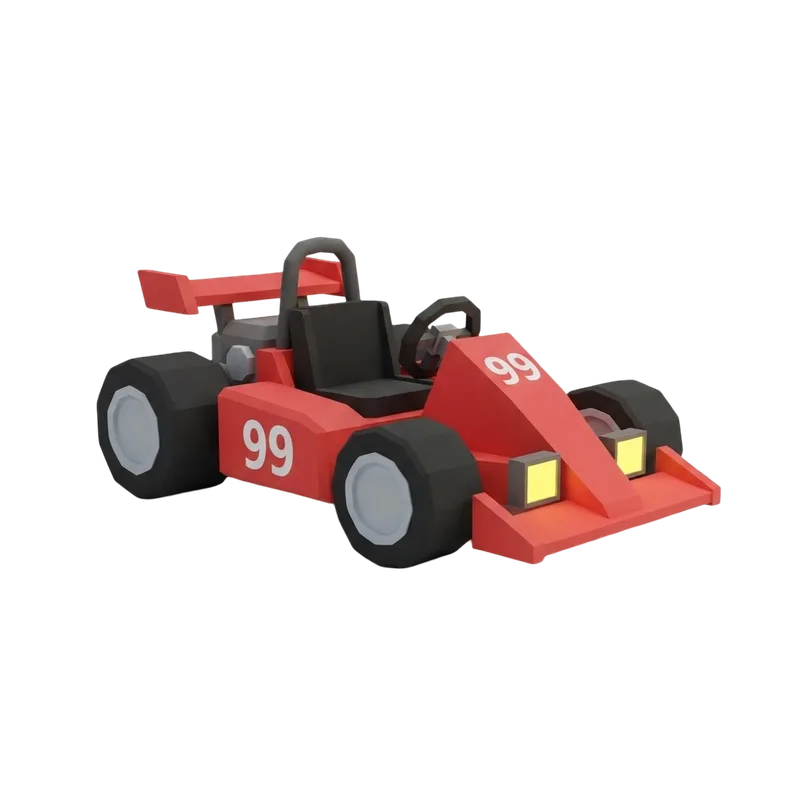
A bold fantasy character
IMAGE TO ROBLOX MODEL
Start with a clear reference, then turn the result around. The back, underside and thin details matter just as much as the first view.
Check proportion, pose and the features you want to keep.
Rotate the mesh to inspect surfaces the picture cannot show.
LOOK BENEATH THE SURFACE
Switch between textures, clay and wireframe. Inspect real geometry before choosing where the asset belongs in your game.
Clay view removes the distraction of color. Check whether the shape still makes sense from the side and back.
Wireframe reveals how the surface is built. Actual triangle counts come from the model, not the number entered into a slider.
File size, texture memory and the number of visible copies all affect performance. A low triangle count alone is not a frame-rate guarantee.
HOW IT WORKS
Keep the first attempt focused on one object. Review each stage before making the next choice.
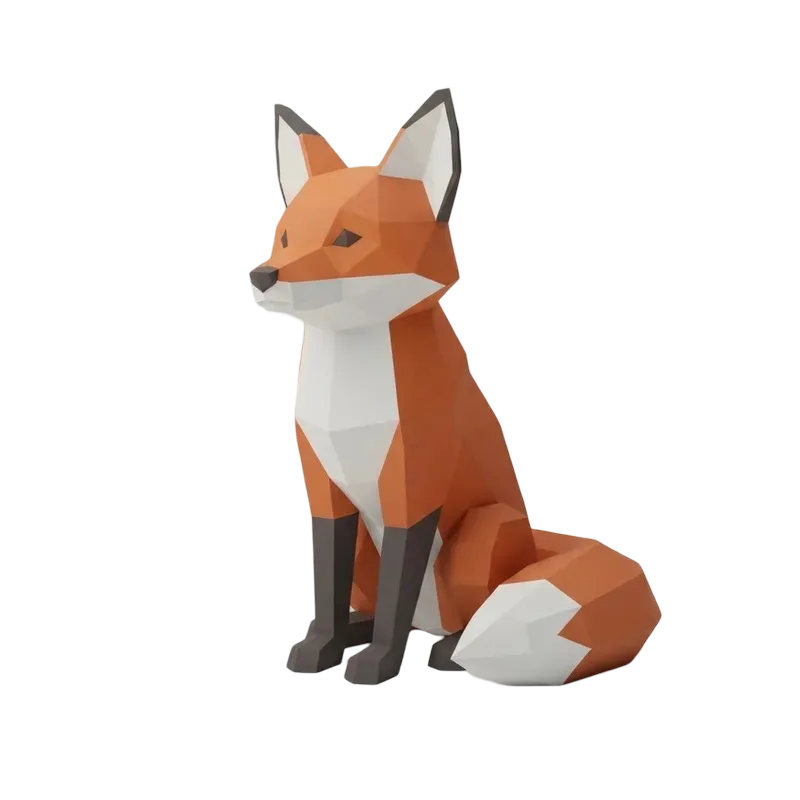
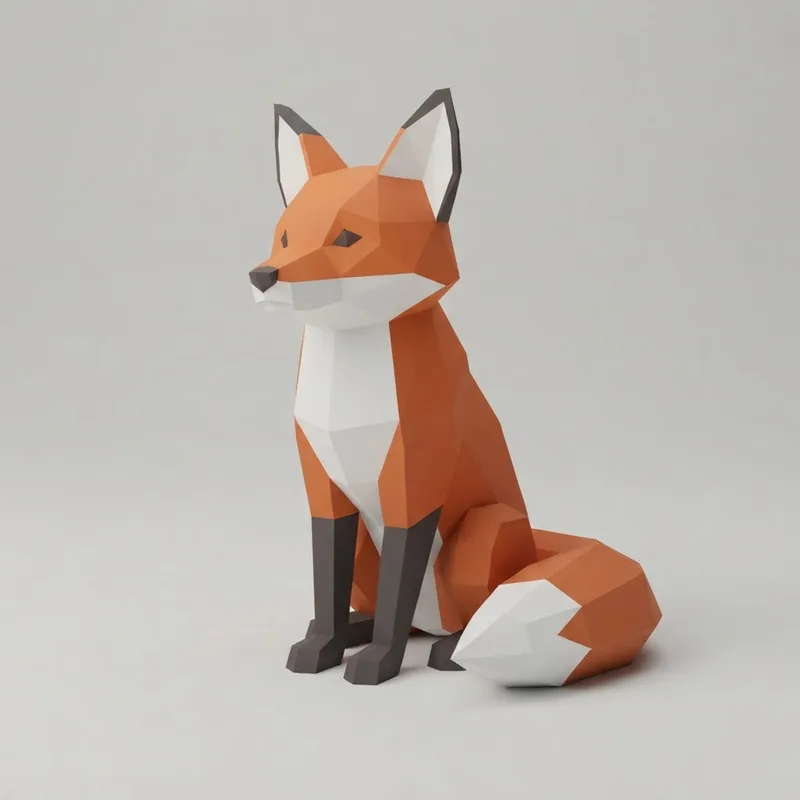 Forest fox01
Write what the object is, or upload reference art. Describe the shape and proportions before adding decorative details.
P1 offers a face target for lightweight model exploration. Choose geometry or textures and check the credit total before generating.
 03
03Rotate the result, compare it with the input, then check wireframe and the actual mesh information. Keep the original download.
Bring the mesh into your editor and Roblox Studio. Check materials, scale and collision, then test it on the devices your players use.
BUILT AROUND YOUR NEXT IDEA
Different assets solve different problems. Choose a starting point that fits the experience you are building.
Bright landmarks, simple pickups and clear silhouettes help players read a course at speed. Start with a single prop, then build a consistent set.
Explore body proportions, ears, tails and colors before committing to a rig. A complete static model makes it easier to judge the character from every angle.
Start with a small building or vehicle and establish the visual language of your world. Compare assets together before making a full environment set.
A BETTER BRIEF, A CLEARER RESULT
Choose a subject and visual direction. Add the detail that makes it yours.
A treasure chest, chunky stylized game art, a broad stable base and a clear silhouette. One complete object, no background scene, no text.
This builds a description. It does not modify the example model.WHY FOMRIX
A useful workflow connects your idea, the actual model and the next decision.
Use an existing sketch or describe a new object. Carry your input into Studio without rewriting the brief.
Prepare an inputChoose the model, face target and textures together. Review the same credit quote that Studio uses before submitting.
Compare generation creditsLook beyond the thumbnail. Rotate the geometry, inspect the wireframe and keep the original GLB for further work.
Explore the geometryTHE NEXT STEP: ROBLOX STUDIO
Generation creates the visual asset. Your game project gives it scale, materials, collision and behavior.
Download the GLB to retain its available appearance. If your target workflow needs FBX, import the GLB in Blender and export FBX, then check the materials in Roblox Studio.
Fomrix does not currently provide a native FBX download.
Use OBJ when you want to edit the surface in another modeling tool. Fomrix's OBJ export contains geometry; prepare UVs and material files separately when you need them.
STL is for a printing workflow and does not carry game textures.
A generated character or pet is a starting mesh. Plan topology, joints, skin weights and animation in an editor before using it as a moving character.
Generation does not automatically create an R15 avatar or Marketplace-ready accessory.
0 / 4 checks reviewed
PLAN YOUR NEXT ATTEMPT
Use the same P1 model settings as the tool above. The quote changes with your input mode and texture choice.
New accounts can receive 30 trial credits on day one. A textured P1 model costs more than that starting balance; check your available credits in Studio.
View credit plansInputs, credits and what happens after generation.
Yes. Add a clear reference image of one complete object. Fomrix generates a 3D interpretation, including surfaces that may not be visible in the image. Inspect the result before importing it into your project.
Yes. Describe the subject, proportions and defining features. You can review the prompt, P1 model settings and credit total in Studio before generation starts.
Keep the original GLB when you need the available materials and textures. Fomrix also exports geometry-only OBJ and STL. FBX requires a separate conversion, such as importing the GLB in Blender and exporting FBX.
No. The target guides generation; the finished model can differ. Check the actual triangles, file size and materials, and test performance in the scene where the model will be used.
No. Generation produces a static visual model. Rigging, animation, collision and game behavior are separate steps in your Roblox development workflow.
This page helps create individual visual assets. It does not generate a complete map, scripts, game rules or a published Roblox experience.
A generated mesh does not automatically satisfy accessory or Marketplace requirements. Check current Roblox eligibility, technical and moderation requirements, and make sure you have the rights to your input and intended use.
Fomrix offers limited trial credits and paid credit plans. The selected input mode, model and texture settings determine the generation cost. Studio shows the price before you submit; inspecting examples does not use generation credits.
No. Fomrix currently uses a file-based workflow. Download the model, prepare it in your editor if needed, and import it into Roblox Studio yourself.
The gallery contains interactive style references to explore in 3D. Your generation is a new interpretation of your own input; it will not duplicate an example. Judge the actual output before planning production use.
Start with a prop, a pet or a place. See where your idea takes you.
Create your model