
Appearance
Check packaged materials and textures instead of judging geometry alone.
Preview GLB models with geometry, materials and textures in an interactive browser-based 3D viewer.
Drop a GLB file here or choose one from your device.
Your GLB stays on this device while the browser reads it.
GLB MATERIAL INSPECTION
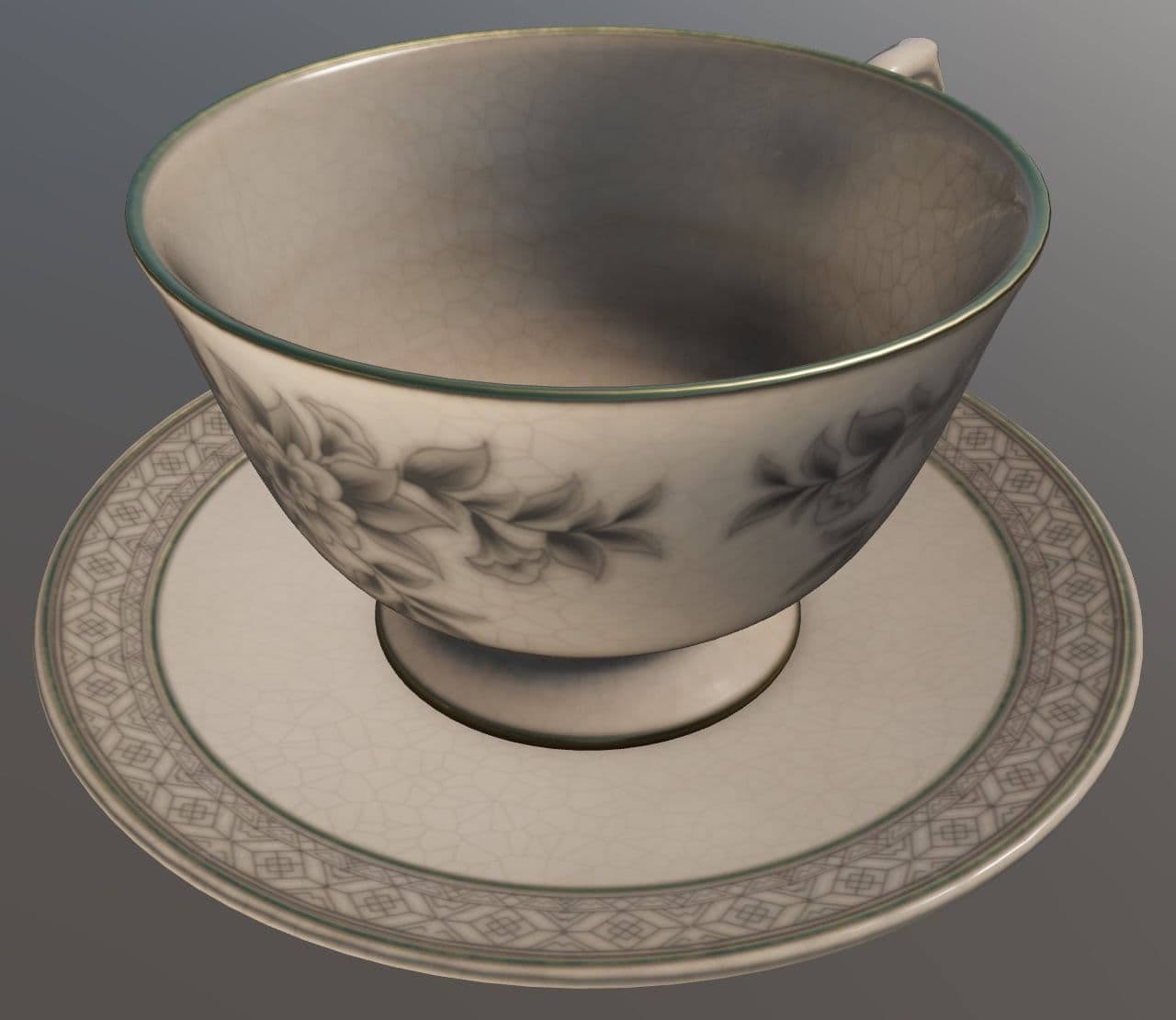
The teacup is a self-contained GLB with detailed PBR surfaces, making it useful for checking the difference between rendered materials and geometry-only modes.
Check packaged materials and textures instead of judging geometry alone.
Review mesh, animation and skin counts from the binary asset.
Keep GLB intact for browser delivery or branch to STL for printing.
Review PBR materials, texture assignments, transparency and the model under more than one viewing mode.
Clear answers to common questions about generating, inspecting, repairing, and downloading 3D assets with Fomrix.
Contact Fomrix support
Need guidance on a specific reference image, custom formats, or print prep? Reach out anytime.
support@fomrix.comYes. The Fomrix GLB viewer is designed to open supported files directly in a modern browser so you can inspect the model without launching a desktop 3D application.
Yes. Use mouse or touch controls to orbit around the model, zoom in and out, and reset the camera when needed.
No. Viewing a file does not modify the original asset. Conversion or repair is handled as a separate action.
The interface should work on modern mobile browsers, although very large 3D files can be slower to load on devices with limited memory.
Confirm that the file extension matches the actual format, try a smaller model, and check whether external textures or related files are required. If the geometry itself is damaged, use the relevant repair workflow where available.
Yes. A GLB can package PBR materials and textures with its geometry. Compare surface and white-clay views to separate visual appearance from underlying shape.
No. GLB can contain animation and rig data, but those features are optional. Check the actual file information instead of assuming they are present.
Open the model locally, rotate and zoom the geometry, then continue with the preparation tool that matches your workflow.