
Actual generation settings
- Input
- One PNG reference image
- Model
- H3.1 Standard
- Textures / PBR
- Standard / On
- Face budget
- 100,000 target
- Output
- 91,656 faces · 51,678 vertices
- Embedded textures
- 3
- File
- GLB · 3,478,208 bytes
- Charged
- 30 credits
REAL FOMRIX GENERATION
One reference image became this chair with cream cushions and a brown wooden frame. Compare the original image with the unedited model, including the back and underside inferred by AI.
This result used 30 credits. The reference loads in Studio first; a new generation starts only when you confirm and may produce a different result.
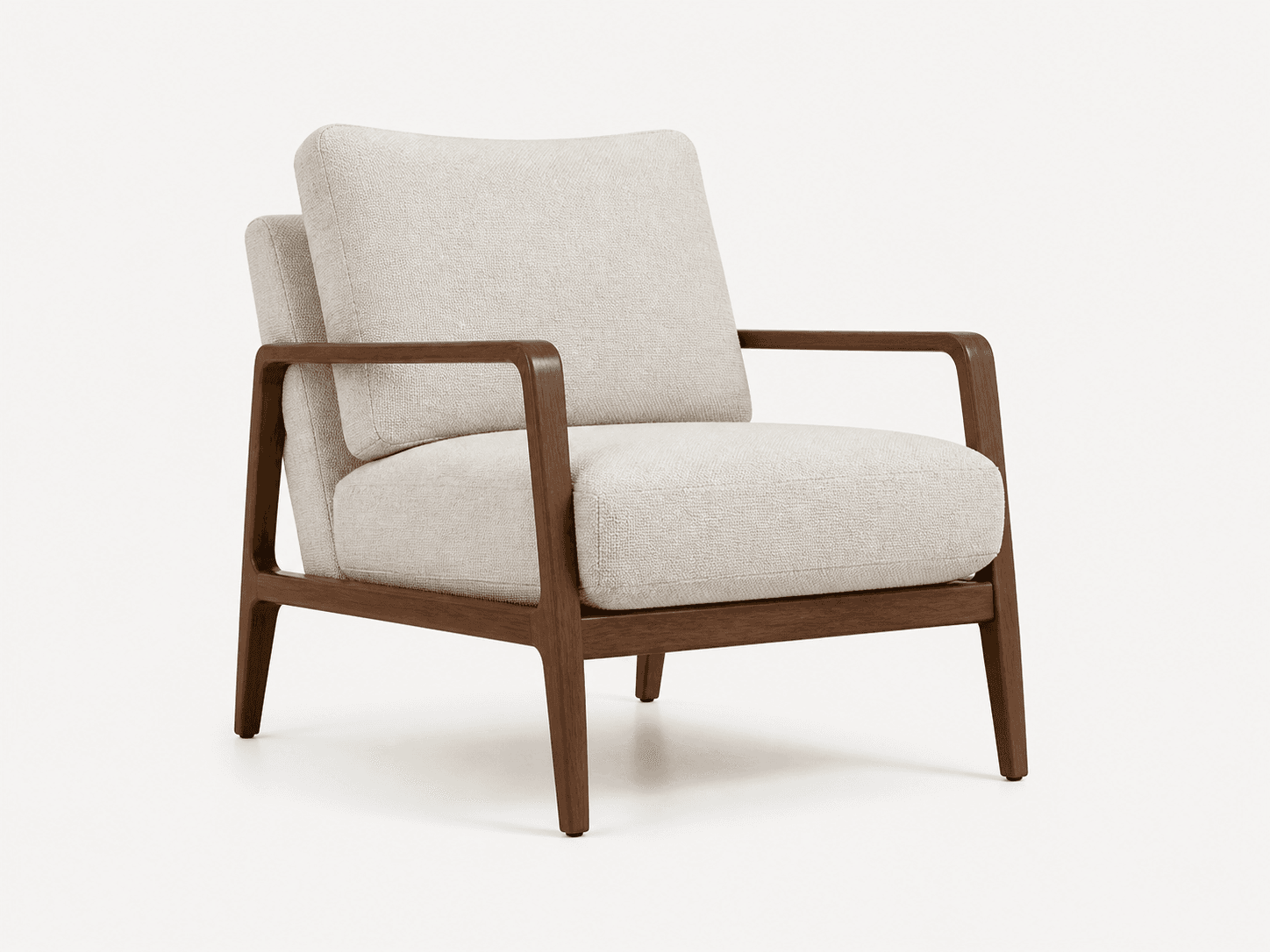
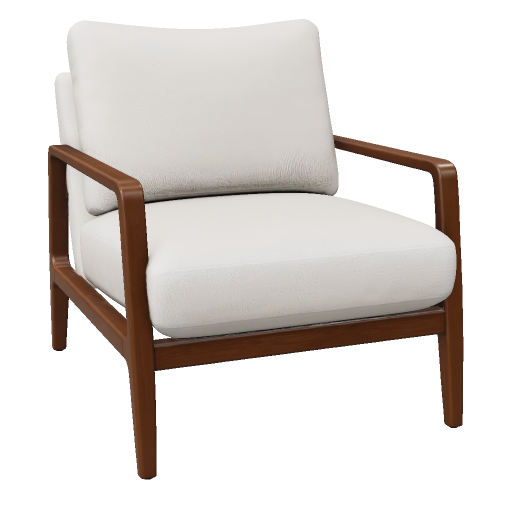
The entire chair is visible against a simple background. The angled view reveals the seat, back, arms and legs without adding competing subjects.
Look closely at the frame junctions and the back of the cushions. A single image supplies visual cues, not measurements or complete surface coverage.
Read the image-to-3D guideOrbit below and behind the chair. Review shape, seams and texture continuity in areas the source image does not show.
The result is a visual starting asset. Set dimensions and review geometry in your 3D editor before product visualization, AR or manufacturing.
The Sculpted Owl case shows the actual prompt, a geometry-only result and its 10-credit settings.
Inspect the text-to-3D case